


Download Wikidot – Free Wiki Builder, Secure Forum Host, Easy Collaboration Tool
Overview – Why Wikidot Stands Out in the Wiki‑Farm Landscape
Wikidot is a veteran in the world of online collaboration, offering a user‑friendly environment for creating wikis, forums, and a variety of community‑driven resources. Since its launch, the platform has grown into one of the largest wiki farms, backed by a vibrant community that contributes both content and support. This longevity translates into solid documentation, a responsive help center, and a set of security features that keep your data safe without requiring deep technical knowledge.
One of the most attractive aspects of Wikidot is the sandbox—a hands‑on, no‑account trial space where newcomers can experiment with the editor, page layouts, and forum tools before committing to a full account. Registration is a breeze: a quick email verification unlocks the full suite of creation tools. The free tier allows up to five separate wikis, making it an ideal choice for hobbyists, student groups, or small teams testing a collaborative workflow.
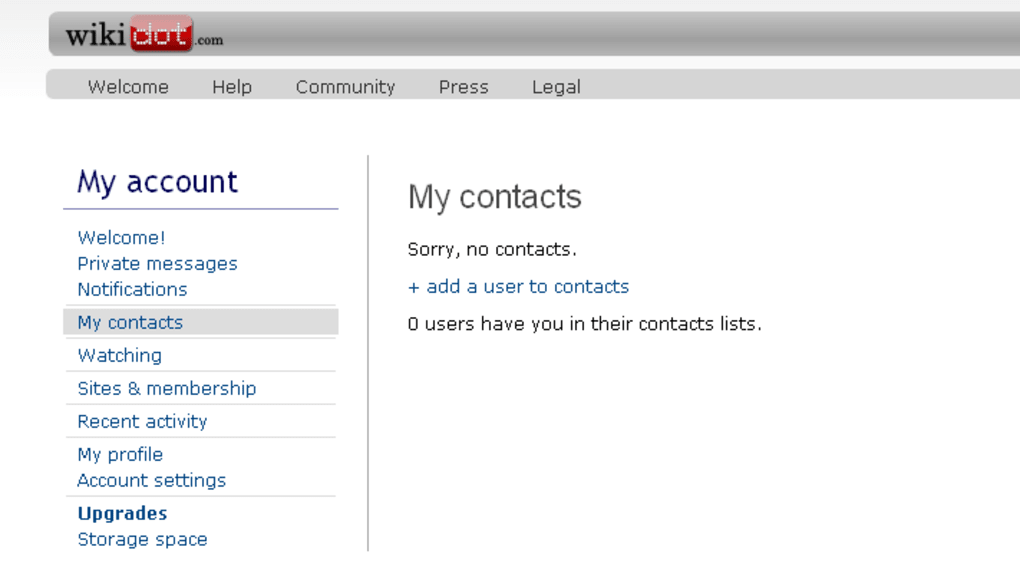
For power users, the platform offers a range of Pro plans that add custom domain support, increased storage, and advanced permission settings. Wikidot’s domain model follows the pattern yourwiki.wikidot.com, but you can map your own domain for a more professional look. The platform also incorporates social‑network‑like features such as private messaging, karma points, and member profiles, fostering engagement and rewarding active contributors.
Whether you’re a beginner looking for a simple way to document a project or an intermediate user needing a robust, extensible wiki, Wikidot delivers a sleek, secure, and scalable solution that’s ready to download and start using immediately.
Core Features & Community Tools That Power Your Wiki
- Intuitive WYSIWYG and Wiki Markup Editors: Switch effortlessly between a visual editor and traditional wiki syntax to suit your comfort level.
- Integrated Forum Engine: Create threaded discussions, poll users, and moderate conversations directly within your wiki space.
- Sandbox Environment: Test page layouts, CSS tweaks, and plugin integrations without affecting live content.
- Custom Domain Mapping: Use your own domain (e.g.,
myproject.com) for branding and SEO benefits. - Granular Permission System: Assign roles such as Owner, Administrator, Moderator, and Contributor with fine‑tuned access controls.
- Karma & Reputation System: Encourage participation through points that unlock extra capabilities for high‑karma members.
- Private Messaging & Notification Center: Stay connected with collaborators via direct messages and real‑time alerts.
- Built‑in SEO Optimisation: Automatic meta‑tags, clean URLs, and sitemap generation help your wiki rank in search engines.
- Responsive Design: All pages adapt to desktop, tablet, and mobile browsers for a consistent experience.
- Backup & Export Options: Export entire wikis as XML or PDF for offline archiving or migration.
The feature set of Wikidot is deliberately balanced to serve both novices and seasoned wiki administrators. The dual‑editor approach means newcomers can start with the point‑and‑click interface, while power users can leverage the full expressive power of wiki markup for complex tables, templates, and dynamic content. Forums are tightly integrated, eliminating the need for a separate platform to host community discussions.
This unity streamlines moderation and keeps all related content under a single permission hierarchy. The sandbox is more than a curiosity—it acts as a low‑risk learning lab where users can experiment with CSS themes, embed multimedia, and test third‑party widgets without jeopardising live pages. For organizations that already own a domain, the ability to map it to a Wikidot wiki improves brand consistency and can enhance search engine visibility, thanks to the platform’s clean URL structure and automatic sitemap generation.
The karma system not only gamifies contribution but also serves as a lightweight reputation model that can be used to grant trusted users additional editing rights, creating a self‑regulating community. Altogether, these tools make Wikidot a comprehensive, secure, and scalable solution for collaborative knowledge bases, project documentation, and community forums.
Getting Started: Installation, Setup & Compatibility
Because Wikidot is a cloud‑based SaaS, there is no traditional “installation” process—simply visit wikidot.com, click the “Sign Up” button, and follow the short registration flow. After confirming your email address, you’ll land on the dashboard where you can create a new wiki in a few clicks. The wizard asks for a wiki name, a short description, and a sub‑domain (e.g., myproject.wikidot.com). If you already own a domain, the Pro plan provides step‑by‑step DNS instructions to point your domain to the Wikidot servers.
Compatibility: As a fully web‑based solution, Wikidot works on any modern browser—Chrome, Firefox, Edge, Safari, and Opera—on Windows, macOS, Linux, as well as mobile browsers on Android and iOS. The platform adheres to HTML5 and CSS3 standards, ensuring that pages render consistently across devices. For users who prefer a desktop client, third‑party tools like HTTrack or Wget can be used to download static copies of your wiki for offline reference, though editing must still be performed through the online editor.
After creating your first wiki, you’ll encounter the built‑in tutorial that walks you through page creation, linking, and using the sidebar navigation. The tutorial also explains how to enable the forum module, set up user groups, and configure security options such as IP bans and two‑factor authentication (available on Pro plans). For those migrating from another wiki platform, Wikidot offers an import tool that accepts plain‑text dumps, MediaWiki XML exports, and even Markdown files. The import wizard maps headings, categories, and internal links to the Wikidot format, minimizing manual cleanup.
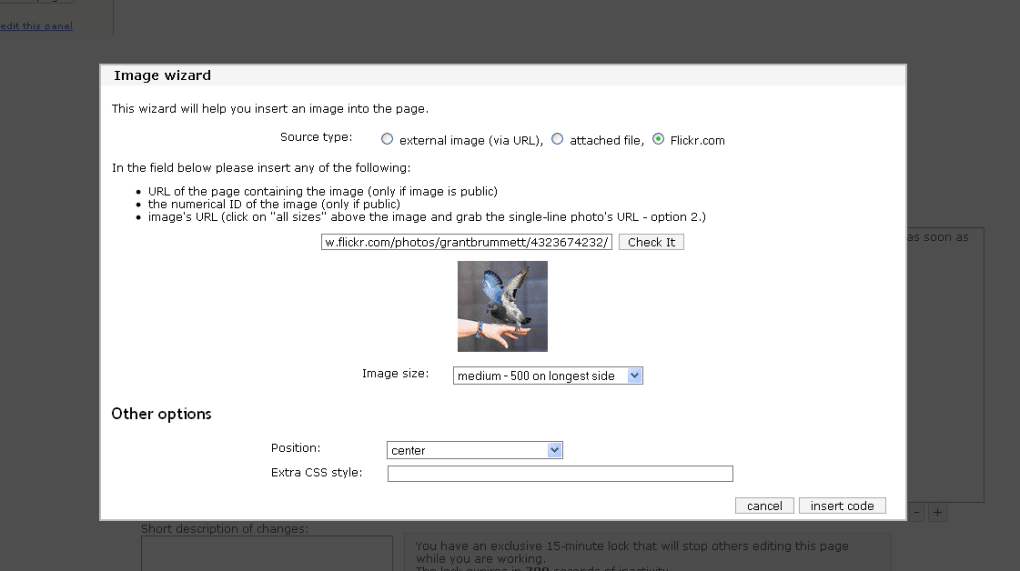
Once your wiki is live, you can customize its appearance using the “Theme” editor, which supports custom CSS, JavaScript, and HTML snippets. The platform also hosts a library of community‑contributed widgets—like calendars, charts, and image galleries—that can be embedded with a single line of markup. Finally, the “Backup & Export” page lets you schedule automatic backups or manually export the entire wiki, ensuring that your data remains under your control. In short, getting started with Wikidot is a quick, secure, and cross‑platform experience that requires no local software—just a browser and an internet connection.
Verdict – Pros, Cons, Pricing, FAQ & Call to Action
Pros
- Free tier supports up to five wikis, perfect for small teams or personal projects.
- Sandbox lets new users experiment without committing to an account.
- All‑in‑one wiki + forum solution reduces the need for multiple platforms.
- Responsive design works on desktop, tablet, and mobile browsers.
- Granular permission system and karma rewards encourage community participation.
- Custom domain support and SEO‑friendly URLs enhance professional branding.
- Robust backup, export, and import tools protect your data.
Cons
- Advanced features (custom domains, extra storage, 2FA) require a paid Pro plan.
- No native mobile app—reliant on the browser experience for mobile users.
- Limited real‑time collaborative editing compared to some cloud document suites.
- Interface, while functional, feels a bit dated compared to newer wiki platforms.
Pricing Overview
Wikidot’s free plan includes five wikis, basic theme options, and community forums. Pro subscriptions start at $5 USD per month for a single wiki with custom domain mapping, increased storage (up to 10 GB), and priority support. Higher‑tier plans offer unlimited wikis, advanced analytics, and white‑label branding. All plans come with a 30‑day money‑back guarantee, and upgrades can be applied instantly from the account dashboard.
Frequently Asked Questions
Is Wikidot truly free for unlimited users?
The free tier allows up to five separate wikis and unlimited contributors within each wiki. There are no hidden user limits, but advanced features such as custom domains and additional storage require a paid plan.
Can I export my wiki to another platform?
Yes. Wikidot provides export options in XML, JSON, and PDF formats. You can also import MediaWiki dumps or Markdown files, making migration straightforward.
Does Wikidot support two‑factor authentication?
Two‑factor authentication is available for Pro plan users, enhancing account security with time‑based one‑time passwords (TOTP) via authenticator apps.
How does the karma system affect my wiki?
Karma reflects a user’s activity and contributions. High karma can unlock additional permissions, such as creating new pages without moderation, and it also boosts visibility within the community.
Is there any limit on file upload size?
Free accounts have a 5 MB per‑file limit. Pro plans increase this limit up to 100 MB per file, and overall storage scales with the chosen plan.
Conclusion & Call to Action
In summary, Wikidot delivers a secure, feature‑rich environment for building wikis and forums without the overhead of self‑hosting. Its sandbox, intuitive editors, and community‑driven tools make it especially appealing to beginners, while the Pro tier supplies the scalability and customization that growing teams need. If you’re looking for a hassle‑free way to launch a knowledge base, project documentation site, or fan community, download Wikidot today and start building within minutes. For power users, upgrading to a Pro plan unlocks custom domains, advanced security, and expanded storage—ensuring your wiki grows alongside your audience.
Rating: 4.5 / 5 – A solid, user‑friendly platform with room for UI modernization.



.png)



